

Amid surging demand for streamlined short-term rental management, Uplisting has established itself as a robust tool, uniting direct booking, channel management, and automation in a platform lauded for its pragmatic features—and not without its controversial edges. For hosts and property managers, navigating between Airbnb, Booking.com, and VRBO can quickly become an operational burden. Uplisting promises to untangle this web with a unified dashboard, but how does the software measure up in practice? Real users cite everything from transformative efficiency to syncing frustrations and uneven customer service, revealing a nuanced landscape of both empowerment and obstacles.
At a Glance:
Strong automation and direct booking tools, especially valued by hosts scaling multiple properties.
Unified inbox and payment management—a genuine timesaver for everyday host operations.
Praised for its onboarding, but platform support can be inconsistent during technical hiccups.
Reliable integrations with Airbnb and VRBO, though iCAL syncing and API flexibility remain weaker points.
Tiered pricing model with a 14-day free trial, generally competitive, yet not always the cheapest for small portfolios.
Continuous upgrades and responsiveness to feature requests, counterbalanced by periodic bugs and syncing issues.
Comprehensive Review of Uplisting: Key Features and User Insights
For modern property managers, the market offers a dizzying array of options. With its carefully balanced automation and visibility across major channels, Uplisting has attracted attention from both independent hosts and scaling portfolio owners. What stands out immediately is the platform’s emphasis on efficiency and user empowerment: by letting users sync calendars, automate messaging, and consolidate financial management, Uplisting is more than just a listings manager—it’s positioned as a full operational suite for short-term rentals.

Uplisting Core Functions: Direct Booking and Channel Management Benefits
The core of Uplisting’s appeal lies in its dual identity as both a channel manager and a direct booking engine. By linking directly to Airbnb, VRBO, Booking.com, and more, the platform allows hosts to control availability, pricing, and reservations in one unified suite. No more logging into disparate systems—and the direct booking site, customizable with a host’s personal branding, empowers property owners to bypass platform fees and build guest loyalty.
Notably, many users highlight the platform’s real-time sync feature. When a guest books on Airbnb, for example, Uplisting will instantly update all other connected calendars, drastically reducing the risk of double bookings. The flexibility to control minimum stays and rates per channel adds additional layers of nuance, enabling strategic revenue optimization.
User Feedback on Uplisting’s Usability and Interface Design
User reviews from platforms such as Trustpilot and Capterra often mention the intuitiveness of Uplisting’s interface. Hosts praise the clean dashboard and color-coded booking system, which reduces learning time for those new to multi-channel management. Visual clarity extends to the unified inbox—arguably one of the platform’s most celebrated features—where hosts can respond to messages from all channels in a single feed.
However, not all experiences are seamless. Some users have commented on occasional sluggishness or difficulty navigating advanced reporting tools, especially when managing many properties. Despite such setbacks, a recurring thread is the system’s overall reliability for core tasks—a critical asset in high-season scenarios.
Integration Capabilities: Connecting Uplisting with Airbnb, VRBO, and More
One of Uplisting’s claims to fame is its robust integration suite. Whether for a five-unit city host or an agency handling dozens of listings, linking with Airbnb and VRBO typically involves straightforward authentication and permissions. Real-world feedback suggests that once connected, most users notice a drastic reduction in manual calendar updates and cross-channel inconsistencies.
Nonetheless, some complexity arises when integrating less common booking platforms or applying custom channel rules. Case in point: integrating with Booking.com’s API demands extra configuration steps, and advanced users sometimes find limitations to channel customization frustrating, especially when compared to niche competitors.
Analyzing Uplisting’s Mobile App for On-the-Go Booking Management
Mobile flexibility has become non-negotiable for modern hosts. Uplisting answers this demand with dedicated iOS and Android apps, enabling property managers to accept bookings, respond to guests, and adjust rates from anywhere. Reviews highlight the mobile app as a strength, particularly for vacation rental businesses with globally distributed teams.
Still, several hosts report evolutionary growing pains: occasional bugs, notification delays, or synchronization issues between app and desktop versions. While the majority of functions remain stable, power users occasionally voice concerns around the lag in deploying features to the mobile experience compared to web.
Common User Pain Points: Bugs, Sync Issues, and Support Challenges
No platform is immune to its share of challenges, and Uplisting is no exception. Periodic bugs—such as calendar sync glitches or booking misalignment—can disrupt a high-stakes operation. In peak seasons, users recount situations where synchronization lags created double bookings, pointing to the real need for ongoing technical improvements.
Customer service is another area where perceptions diverge dramatically. Some users receive rapid, knowledgeable responses to issues, while others recount lengthy delays or unsatisfactory follow-up to critical bugs. A recurring theme is that while front-line support is well-intentioned and friendly, resolution can lag behind expectations during periods of heavy volume.
Uplisting Pricing Review: Free Trial and Tiered Plans Compared to Competitors
Uplisting’s pricing structure features a 14-day free trial and tiered subscriptions based on the number of connected properties. For small portfolio owners, the monthly cost is generally competitive when compared to alternatives like Lodgify, Hostaway, or Guesty. Large operators benefit from progressive discounts as they add more listings.
A standout for many is the absence of lock-in contracts and hidden fees—hosts appreciate transparency. However, some hosts note that for just one or two units, the value equation tilts closer to break-even compared to more basic platforms. The trial offers a risk-free entry point, and Uplisting’s no-commission direct booking site continues to be a key differentiator.
Onboarding Experience: Accessibility for Hosts with Varied Technical Skills
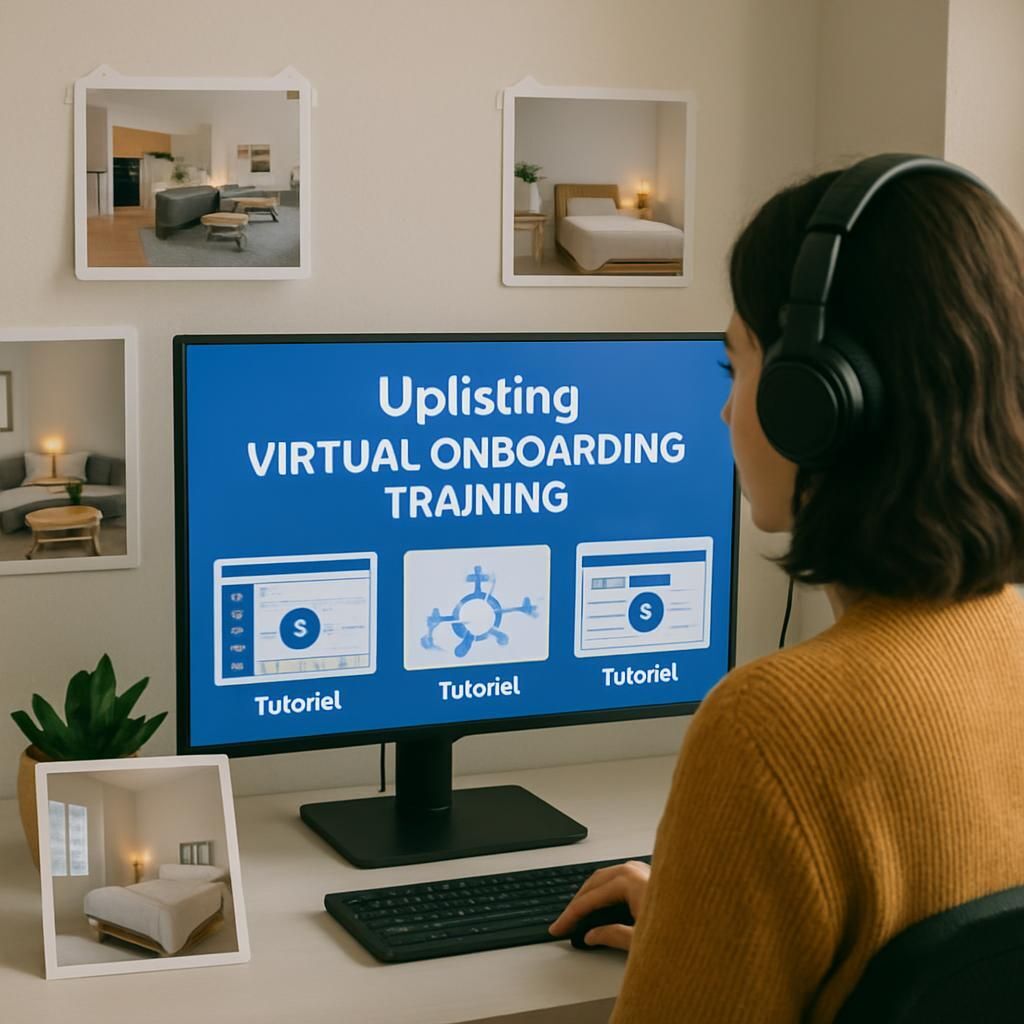
Onboarding is consistently championed as a strength for Uplisting. New users report receiving detailed walkthroughs, educational webinars, and hands-on setup sessions with dedicated customer support. For less tech-savvy hosts, these resources lower the learning curve and inspire confidence.
At the same time, a minority of users express frustration with limited step-by-step guidance on niche features, especially as their operations expand. The platform’s documentation library continues to grow, but distinct gaps in troubleshooting nonstandard setups persist. Overall, the onboarding system remains an asset, though further granularity could enhance the experience for every skill level.
Unified Inbox and Payment Management: Streamlining Host Operations
Centralizing communication is a highlight in Uplisting’s toolbox. The unified inbox brings all guest communication—Airbnb, Booking.com, VRBO, and direct bookings—into one streamlined interface. This helps hosts avoid missing important updates or double messaging guests, notably improving response rates and guest satisfaction.
Payment management is similarly cohesive. Automated payment requests, integrations with Stripe and PayPal, and the detailed balance dashboard cut administrative time and decision-making complexity. For property managers, the reporting and payout tools bring operational transparency, though some note mild friction when reconciling edge cases, such as cross-currency transactions.
API and XML Integrations: Advantages and Limitations with Third-Party Services
Tech-driven users often cite Uplisting’s API and XML support as crucial for custom integrations with cleaning services, accounting apps, or specialized analytics. While these capabilities enable advanced automation for complex portfolios, limits do exist.
Many appreciate the capacity for bulk updates and data exports, streamlining large-scale management. However, some users seeking granular control encounter roadblocks, especially when integrating with bespoke property management systems or niche booking channels.
Challenges with Private API Keys and Integration Flexibility
A frequently mentioned downside involves private API keys. Uplisting restricts API access by design, limiting third-party flexibility for hosts who want to deeply customize their tech stacks. For plug-and-play integration with mainstream apps, this isn’t problematic, but those needing advanced workflows may outgrow these guardrails.
iCAL Syncing Problems with Apple Calendar and Workarounds
Another persistent issue centers on iCAL syncing—especially when connecting Uplisting calendars to Apple Calendar. Misalignments and partial syncs arise, often complicating multi-device scheduling. Practical workarounds include periodic manual refreshes or using third-party middleware to correct inconsistencies. While Uplisting’s roadmap targets improved interoperability, users needing flawless calendar sync must weigh these trade-offs.
Customer Service at Uplisting: Balancing Responsiveness and Delays
Customer service at Uplisting inspires both fierce loyalty and pointed critique. Many hosts describe a responsive, empathetic team that offers personalized solutions during onboarding or critical account moments. Contrastingly, others experience delays—particularly for technical escalations or feature requests.
This dichotomy has led some users to develop backup workflows in case support is slow. Nevertheless, the introduction of in-app chat and a more extensive email support system are signs Uplisting seeks to address these pain points for its growing user base.
Positive Testimonials Highlighting Support and Onboarding Assistance
Numerous users recount “above and beyond” moments, especially during the initial weeks with Uplisting. Testimonials from boutique hotel managers and high-volume hosts alike credit the support staff with clear instructions, patience during migration, and proactive troubleshooting. These stories often appear in verified public reviews, contributing to a sense of community loyalty.
Critiques of Customer Support: Slow Responses and Technical Issues
Conversely, a vocal minority reports missed expectations—cases where urgent issues took several days for resolution, or where generic replies failed to address nuanced bugs. This has sometimes been magnified by periods of rapid team expansion or staffing challenges after ownership changes. For some properties, even brief interruptions have significant operational impact, underscoring the stakes of top-tier support.
Marketing and Automation Features: Creating Direct Booking Pages and Campaigns
One of Uplisting’s signature assets is its integrated marketing toolkit. The platform enables hosts to quickly build direct booking pages styled with their branding, opening a path to reduced commissions and guest data ownership. Combined with marketing automation—including targeted email campaigns and retargeting ads—these features have helped some hosts nearly double their direct bookings in a single season.
Integrated analytics offer clarity on guest acquisition channels, and the ability to trigger discounts or last-minute offers from the dashboard facilitates responsive pricing. While not as exhaustive as dedicated marketing suites, the seamless synergy with channel management tools gives Uplisting an efficiency edge.
Compare vacation rental management tools
Explore and interact with key feature differences between Uplisting, Lodgify, Hostaway, and Guesty.
| Feature | Uplisting | Lodgify | Hostaway | Guesty |
|---|
Market Positioning of Uplisting: Strengths and Weaknesses vs Competing Software
With a focus on empowering the professionalizing host, Uplisting consistently wins points for automation, transparency, and direct booking capacilities. The absence of hidden fees, rapid deployment, and intuitive dashboard resonates with owners tired of rigid, opaque platforms.
However, some gaps persist. Uplisting can fall short for hosts requiring deep accounting functionalities or highly advanced reporting. In comparisons with market leaders, it occupies a middle ground—offering robust connectivity with major OTAs and streamlined user-experience, but lagging in highly specialized or enterprise-grade features.
Platform | Main Strength | Main Weakness |
|---|---|---|
Uplisting | Direct booking, automation, user-friendly interface | Limited accounting tools, API flexibility |
Lodgify | Custom website generation | Higher learning curve, less intuitive UI |
Hostaway | Enterprise integrations, CRM tools | More complex onboarding |
Guesty | Extensive channel integrations | Higher price, robust but complex |
This competitive positioning will be essential as new players and evolving customer expectations define the 2026 marketplace.
Scalability and Growth: User Experiences Expanding Property Portfolios
Hosts expanding from a single property to a diverse portfolio face mounting complexities—calendar conflicts, housekeeping schedules, pricing dynamics. Uplisting separates itself through workflow automation, unified communication, and bulk editing features that allow hosts to scale operations efficiently.
One midsize management company detailed the process of onboarding 40 new apartments within two weeks, crediting Uplisting’s responsive support during the scale-up.
An independent UK host described automating guest messaging and payments, freeing capacity to expand from three to 12 properties in under a year.
Despite these successes, some growing users encounter friction as operational intricacies increase—particularly with API limitations or granular reporting needs. Uplisting’s ongoing platform updates are clearly responsive to these pain points, illustrating a company aware of its expanding and diversifying host base.
Portfolio Size | User Type | Growth Experience |
|---|---|---|
1-5 | Individual Host | Easy onboarding, rapid benefit realization |
6-20 | Professional Manager | Some workflow customization needed |
21+ | Management Agency | Bulk tools essential; API gaps may emerge |
Is Uplisting suitable for beginners managing their first few properties?
Yes, Uplisting offers a comprehensive onboarding process and an intuitive user interface, making it accessible for new hosts. Hands-on training and responsive support further ease the transition, though users should be prepared for a moderate learning curve with advanced features.
How reliable is Uplisting’s synchronization with platforms like Airbnb and VRBO?
In most cases, Uplisting’s real-time synchronization is highly dependable, drastically reducing the risk of double-bookings. However, occasional bugs and iCAL syncing issues with Apple Calendar have been reported, so hosts with complex needs may want to periodically check connection health.
Can Uplisting handle portfolio growth from a few units to dozens or more?
Yes, many users have successfully scaled their portfolios using Uplisting’s bulk tools, unified messaging, and automation features. Some limitations with API customization may arise for complex setups, but overall scalability is a key platform strength.
What is included in Uplisting’s free trial?
The 14-day free trial provides full access to all features—including direct booking site creation, channel management, automation workflows, and integrations—without requiring long-term commitment or credit card details.
How does Uplisting’s customer service compare to other platforms?
Customer service receives mixed reviews: many praise its responsiveness and onboarding guidance, while others cite delays or insufficient technical troubleshooting. The platform is continuously investing in improved support systems to address these gaps.